Local News on IPTV: USA and Canada Channel Checklist
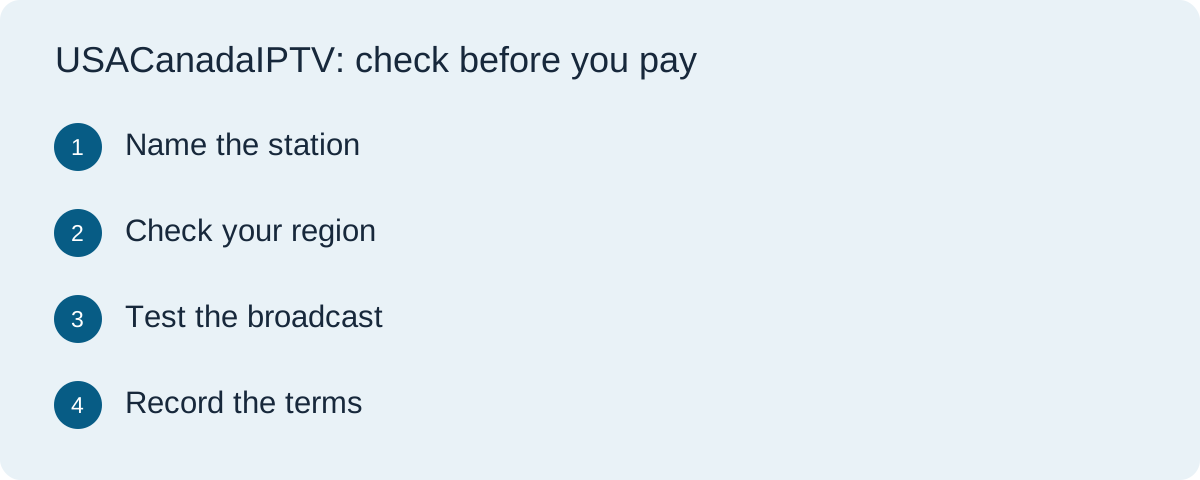
“Local news” can mean a live broadcast station, a station's own app, a national news feed with regional segments, or replay clips. These are different viewing experiences. A large channel count is not proof of local access, and a familiar network logo is not proof that the particular affiliate serving your city is present. Before paying, decide which specific programme you would miss if it disappeared from your screen.
Make a station-first list
Write down your city or viewing area, the exact call sign or station name, the programme title and its usual broadcast time. Include the language and time zone. For a household across the USA and Canada, make separate lists for each location rather than assuming the same lineup travels with the account. If a local morning bulletin matters more than national headlines, state that explicitly to the seller.
Check whether you need a live broadcast, the latest full episode, selected clips or an archive. An on-demand news section may provide yesterday's segments but not the live evening bulletin. Conversely, an app devoted to a station may cover news without supplying other channels you want. Our accessibility checklist helps you ask about captions or audio support for the exact programme.
Separate national network from local affiliate
In the United States, local broadcast stations and national networks are related but not interchangeable. When a seller advertises a network, ask which local affiliate or market feed appears in your ZIP code. A live stream of one city's station does not necessarily show the weather, emergency information or local interviews relevant to another city. The FCC's video-market report describes how local stations and streaming distribution can differ across markets; it does not verify any provider's current package.
In Canada, ask whether the package includes the actual local or regional service and language you need. The CRTC's overview of television viewing options explains that over-the-air, distributor and online choices are different routes to television. It does not certify the availability of a specific station inside an IPTV offer.
Check location, rights and the device
Ask the provider whether the station is authorized for your location and whether it is available on the specific subscription tier. Some content is subject to regional or platform restrictions. Do not assume that a stream working briefly in a trial proves long-term availability or distribution rights. A seller should be able to explain the precise feed, access method and any location limitation without asking you to bypass it.
Test on the device you will use most often. Find the station in the guide, open the programme at its scheduled time, and check the date and time shown. If you travel or share a household across borders, ask what the service terms permit in each place. A working app icon does not establish that the same station is available in every country.
Use a timed trial as a narrow check
If a trial is available, schedule it so it overlaps the newscast you care about. Test the stream at the expected hour rather than opening a random channel in the afternoon. Note the device, app, location, station name, programme title and result. Check captions and audio if those features matter. Try the guide's search and favourites functions so you know whether the station is practical to find on a normal evening.
A successful trial is useful evidence for that moment, not a promise of future uptime or rights. If the programme is absent, ask whether you selected the correct local feed and whether the paid plan is different. Do not purchase a longer term based solely on a category label such as “news” or “North America.”
Compare alternatives without paying twice
Before adding another subscription, check whether your local broadcaster supplies a legitimate live stream or news app for your region, whether an over-the-air antenna works at your address, or whether an existing TV package already includes the station. These routes can have different devices, schedules and coverage. The best choice is the one that actually carries your required programme under terms you accept.
Use our service comparison guide to weigh local stations alongside sports, language, devices, connection limits and renewal cost. If local news is only one part of your viewing, avoid selecting a larger bundle based on a huge channel count that you cannot verify.
Send this five-point question to the seller
| Question | Answer to preserve |
|---|---|
| Which station? | Call sign or local feed, not only a network brand |
| Where? | Permitted city, province, state or country |
| When? | Live programme time and guide time zone |
| How? | Supported device, app and trial access |
| What changes? | Paid-tier features, renewal and cancellation terms |
For a commercially connected option, visit TereaTV to inspect its current plans and ask about the exact local station you need. That link is promotional. This guide does not claim TereaTV, or any other service, carries every local newscast in the USA or Canada.
Questions buyers ask
Does a national network listing include my local news station?
Not necessarily. Ask for the exact affiliate or market feed and test the specific newscast on your device.
Can I rely on the same lineup in the USA and Canada?
No universal rule applies. Confirm the service terms and station availability separately for each location where you intend to watch.
Is a replay clip equivalent to the live bulletin?
No. Check whether you need a full live programme, a full episode later or selected clips; an offer may provide only one of these.